Change Password
Updated: 2026-07-22
You can change your login password from the Settings page.
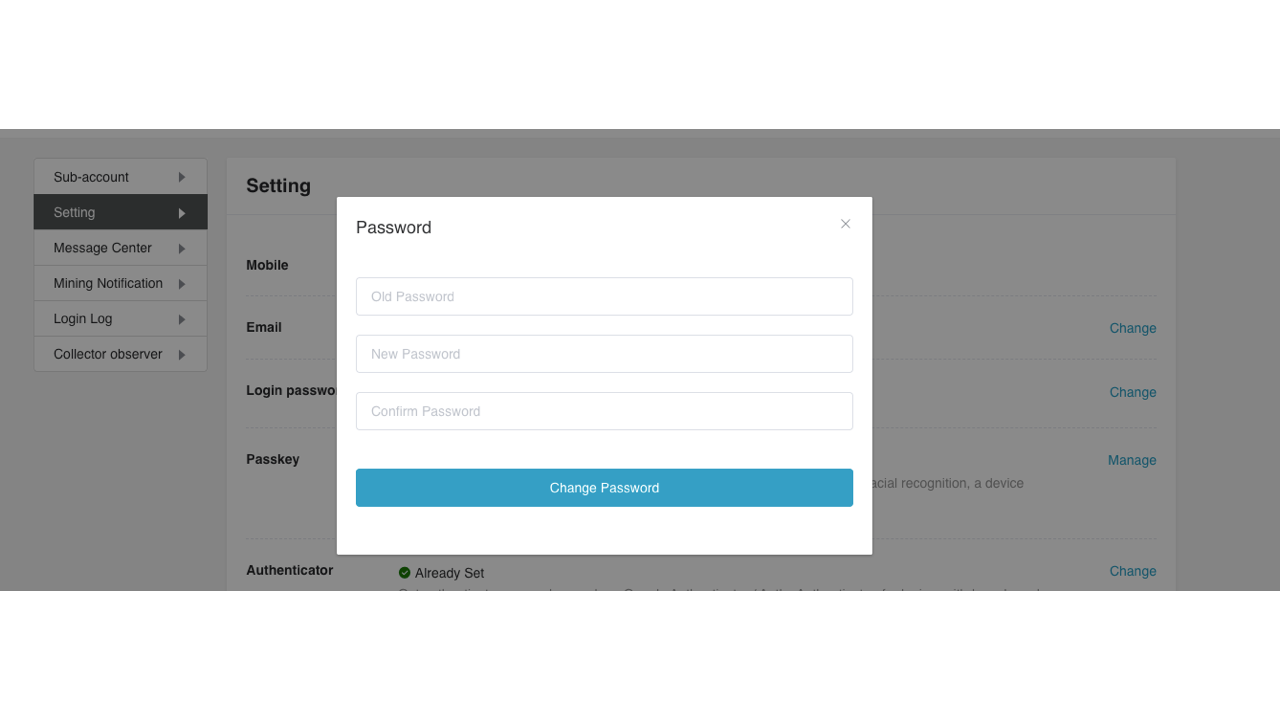
- In Settings, find Login password and select Change.
-
Enter your current password, new password, and the new password again to confirm it.
-
Select Change Password.
For security, you may be unable to withdraw or deposit for 24 hours after changing your login password.