Pay Password Settings
Updated: 2026-07-27
Set or change your payment password in Settings.
-
Go to Settings and select Pay Password.
-
Select Change Pay Password. In the dialog, enter and confirm your new payment password.
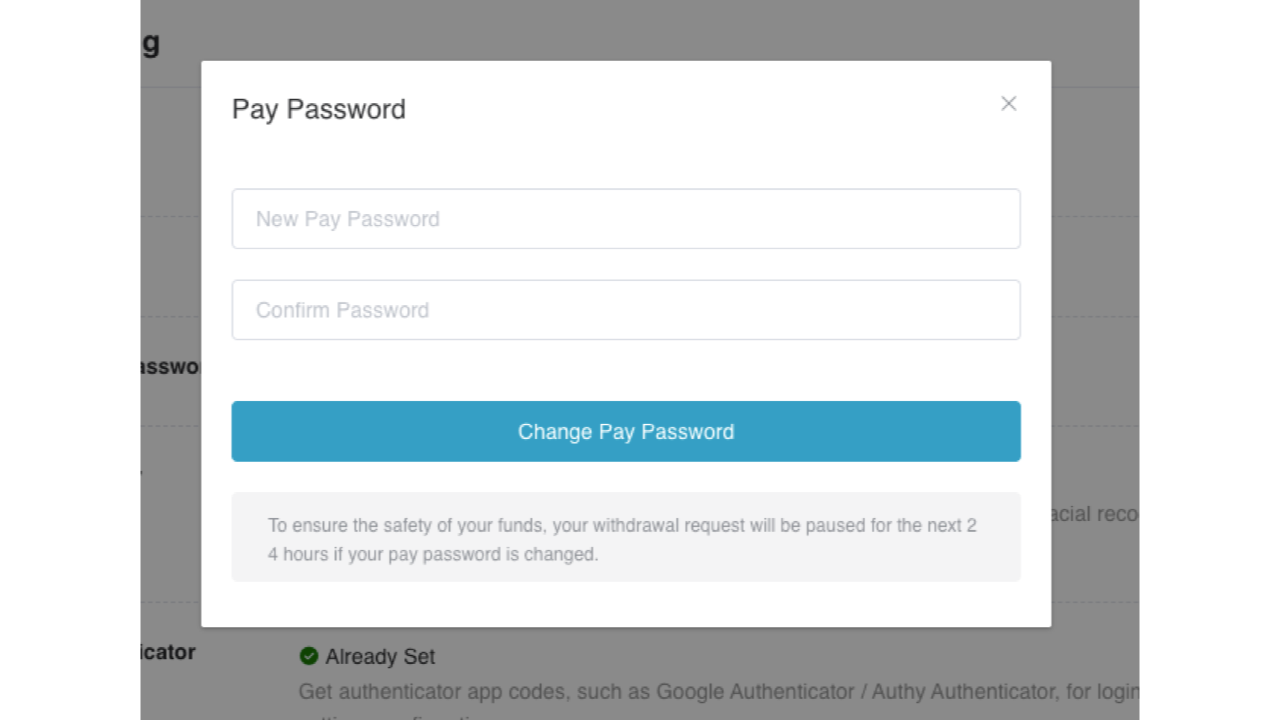
- Select Change Pay Password, then use your passkey to complete the payment password setup.