ALEO Mining Tutorial
Updated: 2026-07-22
What is ALEO?
Aleo is a developer platform for building fully private, scalable, and cost-effective applications. It uses zero-knowledge cryptography to move smart contract execution off-chain, enabling a diverse range of decentralized applications that are both entirely private and can scale up to thousands of transactions per second.
- ALEO Block Explorer: Aleo123 | Aleo Explorer
- Algorithm: zkSNARK
- Supply: 2,600,000,000 ALEO
Mining device
ALEO can be efficiently mined with Goldshell ASICs.
Preparation Before Mining
Download ALEO wallet: Home - FxWallet
- Use FxWallet to store your funds.
- Use an exchange address to store your funds.
Check the miner, network, and electricity situation.
Configure Your Mining Device
Your miner must be connected to the DxPool server listed below for your hashrate and revenue to be recorded and monitored.
You’ll need to enter the following information in your mining device:
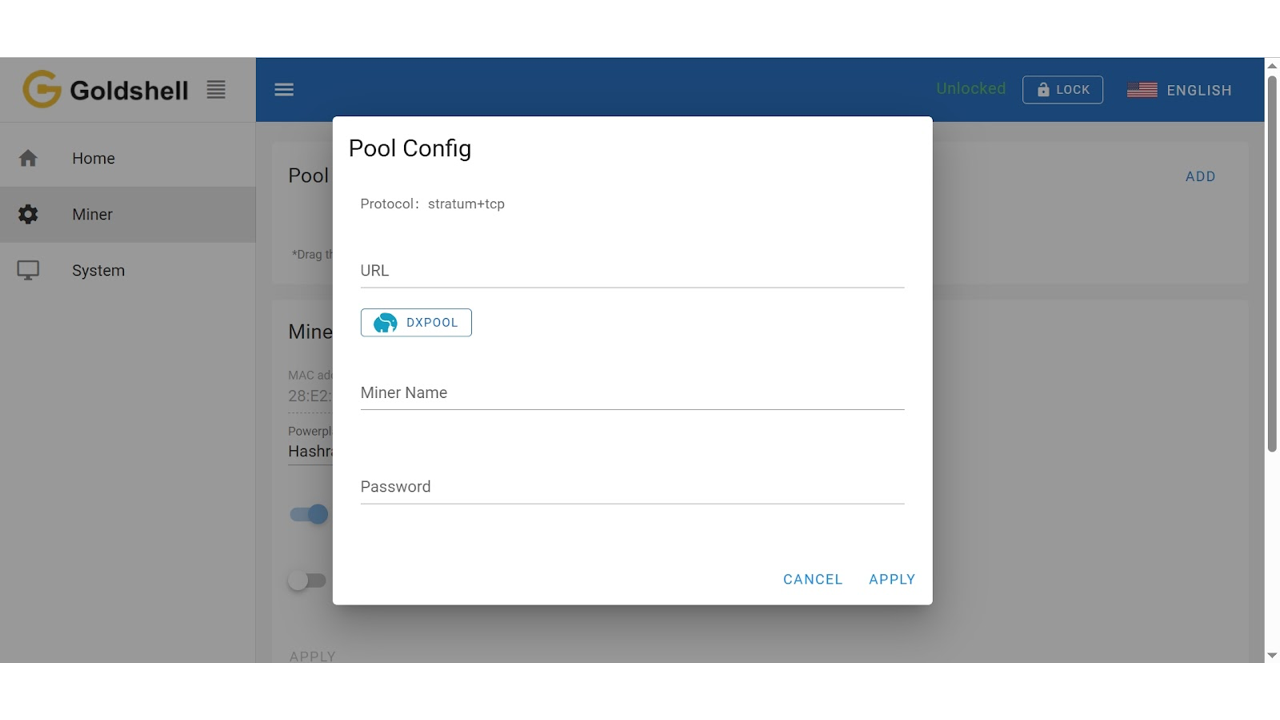
Pool/URL:aleo.ss.dxpool.com:9080
Miner Name: Your sub-account name.WorkerName
Password: Your choice
Please note
Worker name is optional, but we recommend connecting each mining device with a separate worker name for efficient monitoring.
Goldshell Mining Tutorial Professional Edition
Start Mining Today
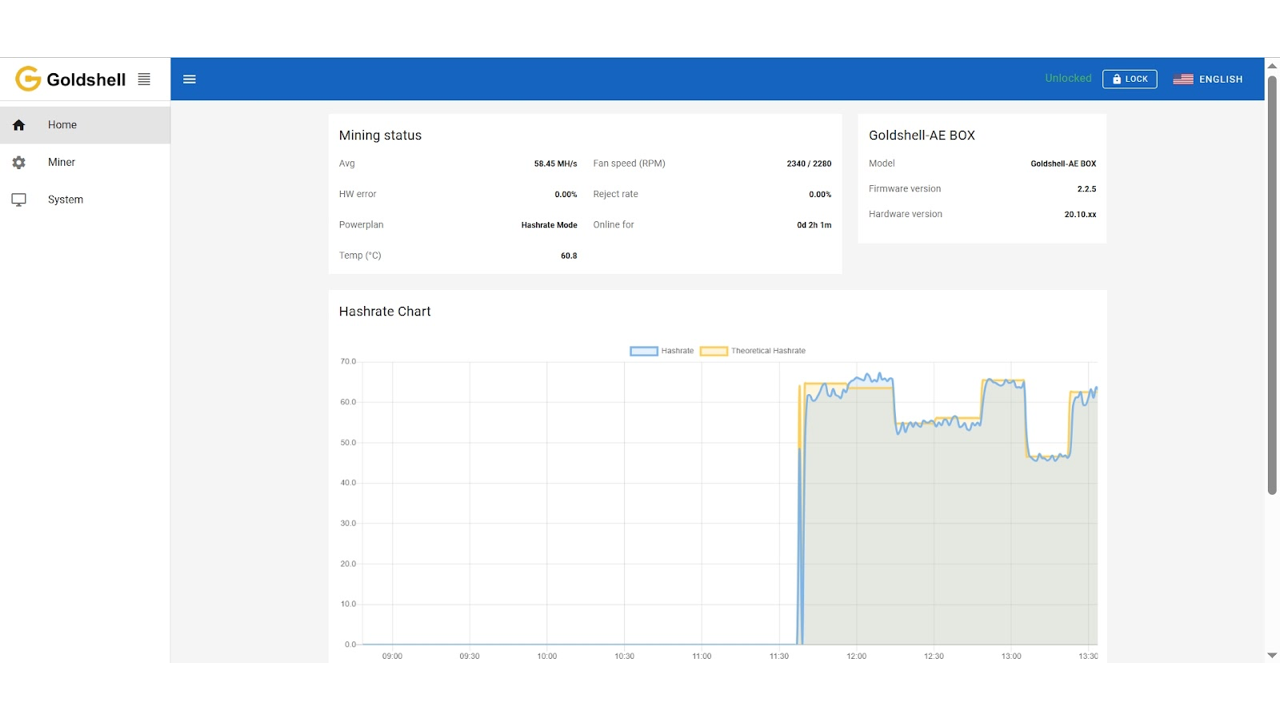
Your miners are now ready to mine!
As long as you’re submitting your hashrate successfully, you will receive payouts from DxPool.
To view ALEO earnings, sign in to the DxPool website and select the ALEO pool or open the Assets page.
Withdrawing Payouts
For current withdrawal availability, thresholds, fees, and processing times, open the DxPool Assets page and select ALEO. See Auto Withdrawal and Manual Withdrawal for the available options.