DxPool Mining Process
Updated: 2026-07-22
This tutorial uses LTC mining with a Goldshell X5 miner to illustrate the basic DxPool mining process.
DxPool Mining Process
- Register a pool account.
- Prepare the miner.
- Connect the miner to the pool.
- Check earnings.
Pool Registration
An account is required to configure a wallet address and monitor workers, earnings, and payment records.
- Open the DxPool website and click “Sign Up” in the upper-right corner.
- Enter a username, email address, password, and email verification code. The username must be 4–30 characters and contain only letters and numbers. Accept the Terms of Service, then select “Sign Up”.
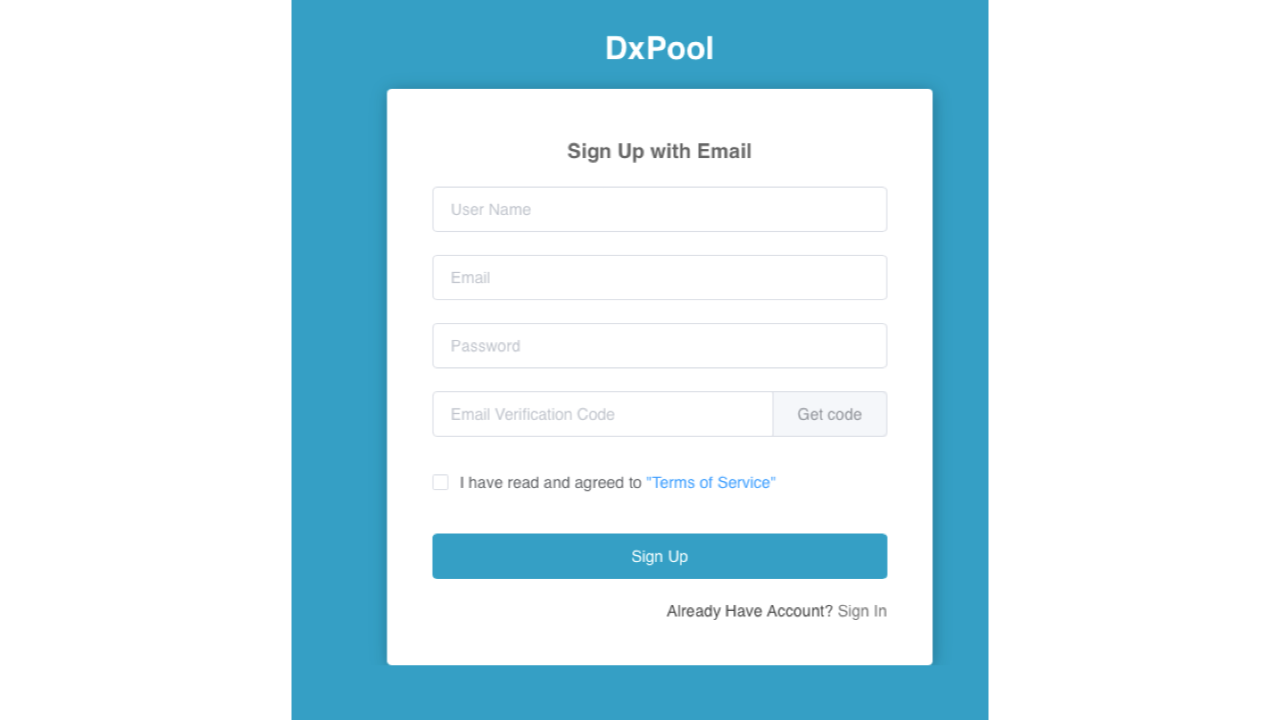
- After submitting the registration details, the account automatically signs in and returns to the pool home page.
Miner Preparation
Preparation
Prepare a Goldshell X5 miner, one power supply, power cords, and network cables. Download Angry IP Scanner to locate the miner on your local network.
Installation and setup
- Connect the miner’s network cable and power cables, including the cables for both the hash board and control board.
- Turn on the power and confirm that the miner’s power indicator begins flashing.
- Open Angry IP Scanner and enter the network segment to scan.
- Start the scan and review the
Hostcolumn after it finishes. - Use the IP address whose host is shown as
Goldshell X5.
Connect the Miner
- Open a browser and enter the miner IP address.
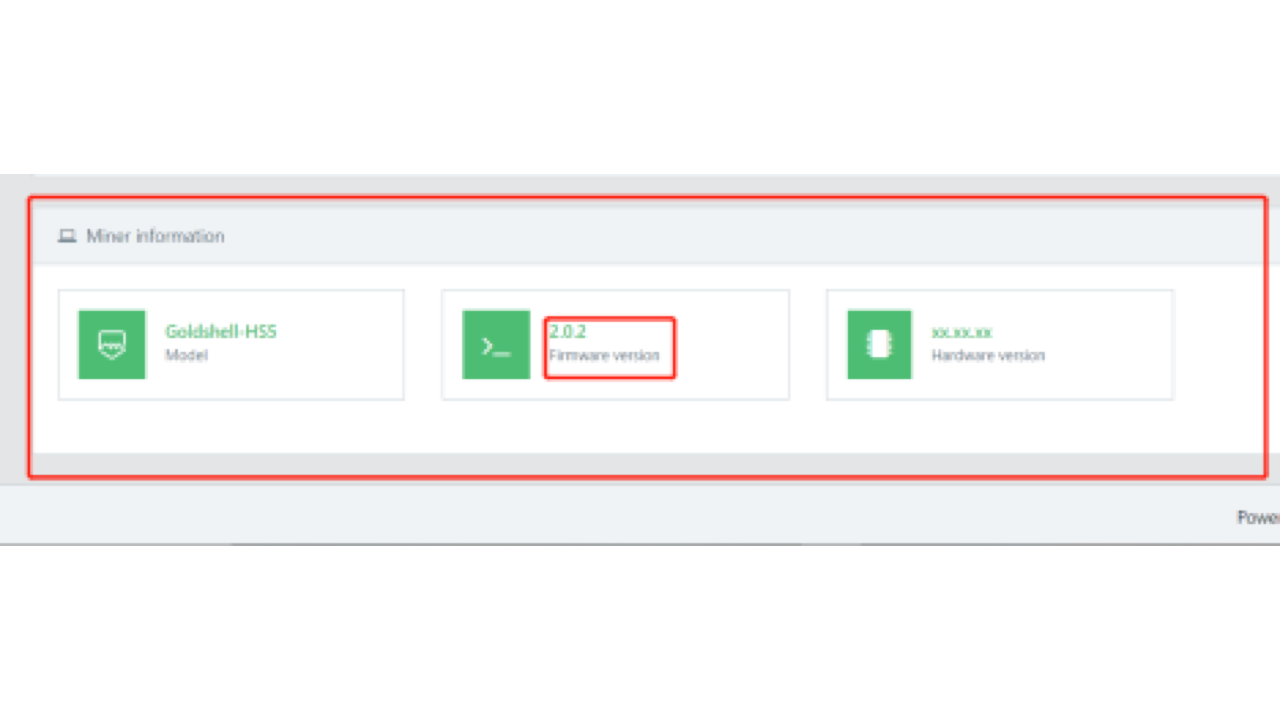
-
On the Goldshell X5 control panel, click the unlock button in the upper-right corner.
-
Enter the default password
123456789, then click the miner button. -
Click Add and enter the pool settings below, then click “Apply”.
URL: stratum+tcp://ltc.ss.dxpool.com:3333Port: 3333Username: the username set when registering the DxPool accountPassword: any miner password
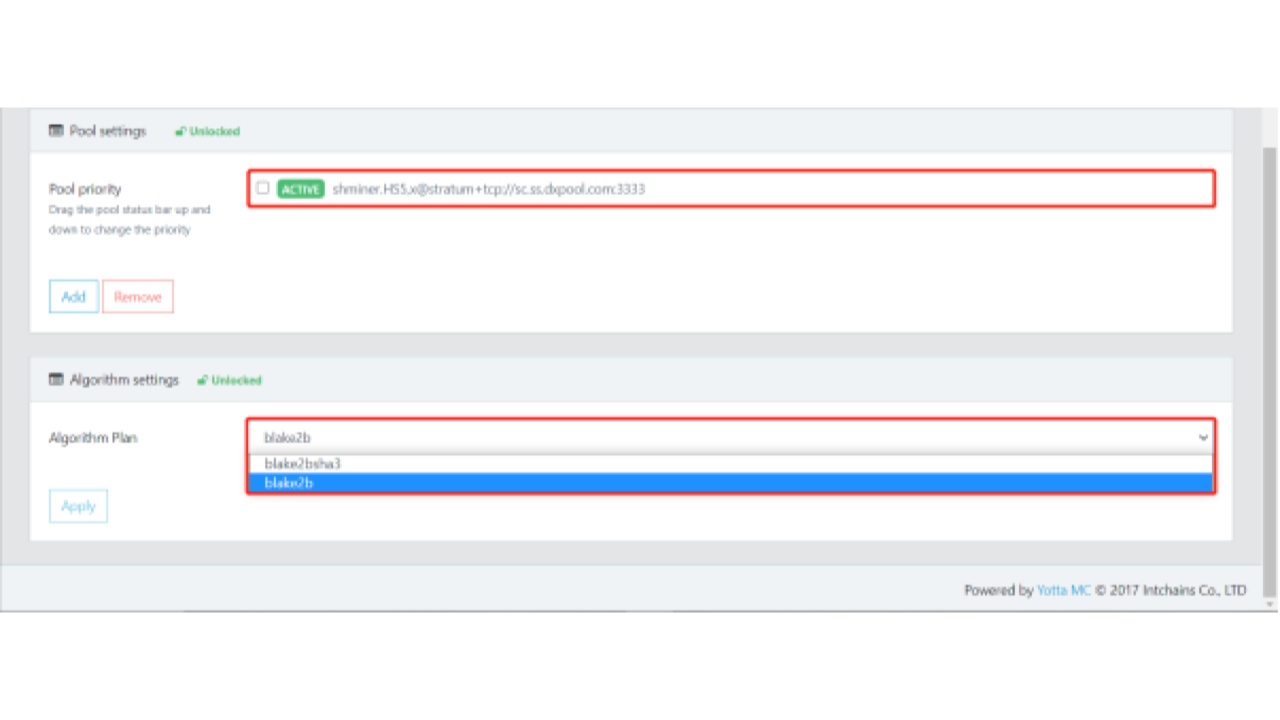
- Return to the miner page and wait for the status to change to ACTIVE.
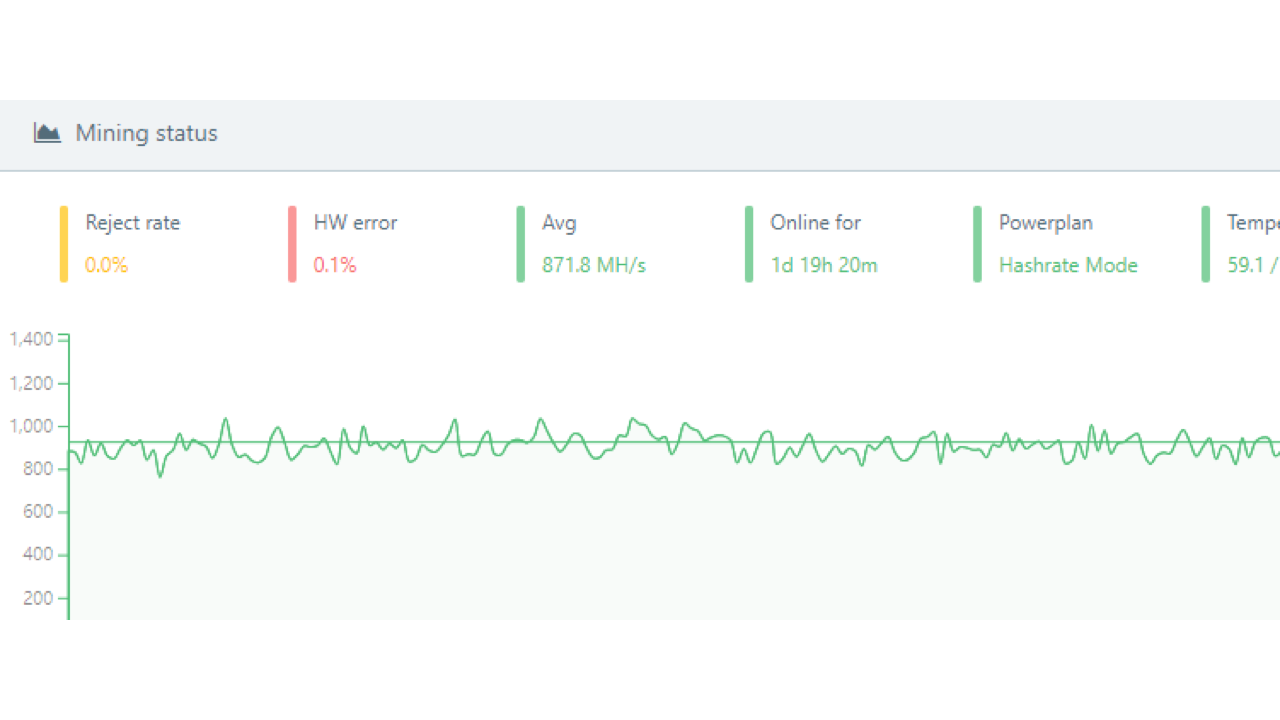
- Return to the home page and wait for the hashrate to reach its normal range. This indicates that the miner has started earning LTC.
Check Earnings
After signing in, select the relevant pool and open “Profits” to view earning records.